Learning Dynocortex while doing the work
you don't know where anything is yet.
You are
anyone new to Dynocortex at Aurora Components.
The situation
you don't know where anything is yet.
Dynocortex covers the whole business, and its screens take time to learn. Here, help and the right screen come to you.
Step by step
Each step as it looks in the demo installation, on Aurora Components (Demo).
On any screen, open the Ask panel's Help tab: the manual's page for the screen you're on.
In the Ask panel, ask
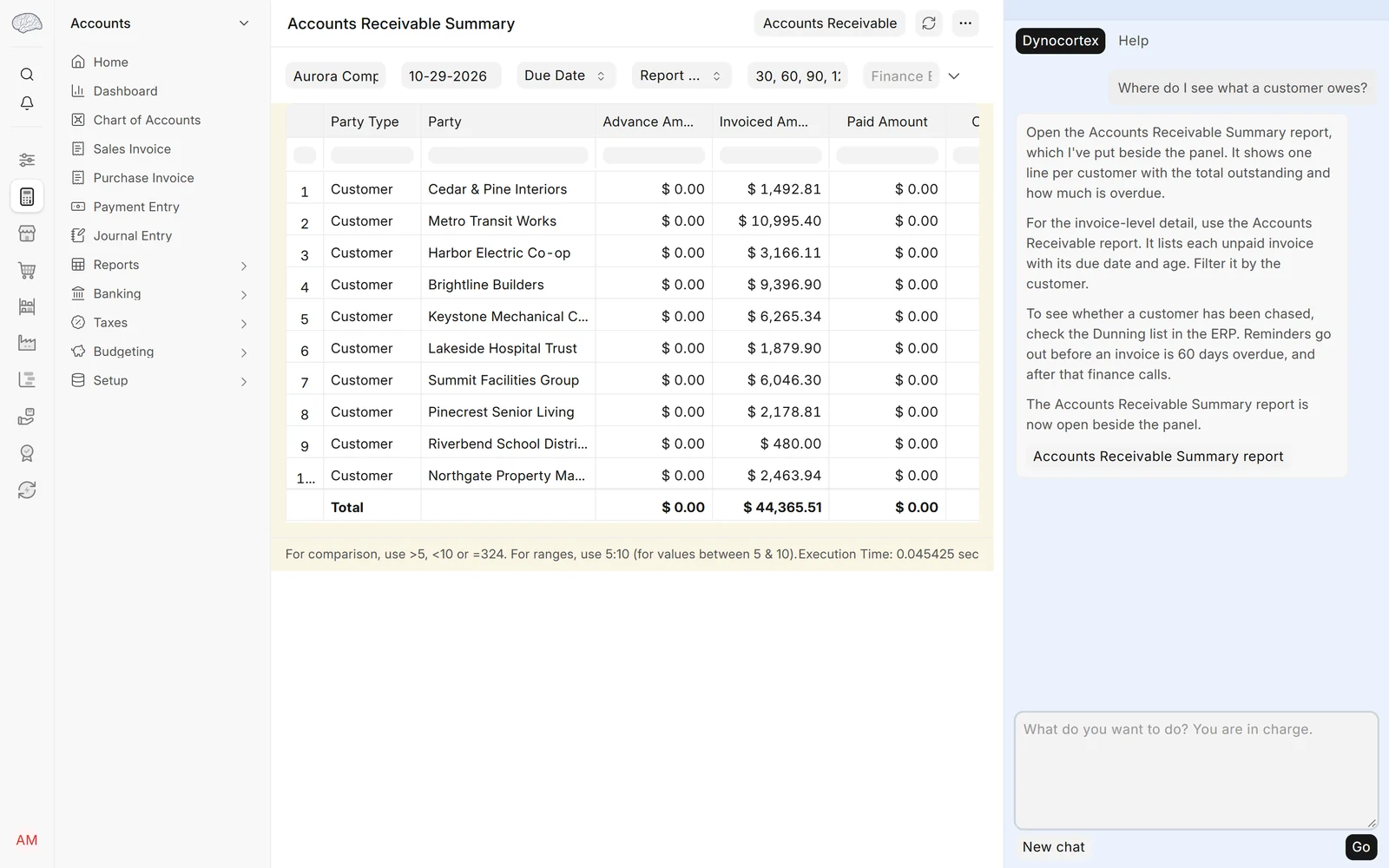
"Where do I see what a customer owes?" The report opens beside the panel.
Ask
"How do I quote a customer?" Then make the quotation yourself: Selling → Quotation → New, a customer, the motion sensor (
DEMO-SNS-01) and a quantity, your initials in the notes. Save it, and in the panel on it ask: "Is this priced right?"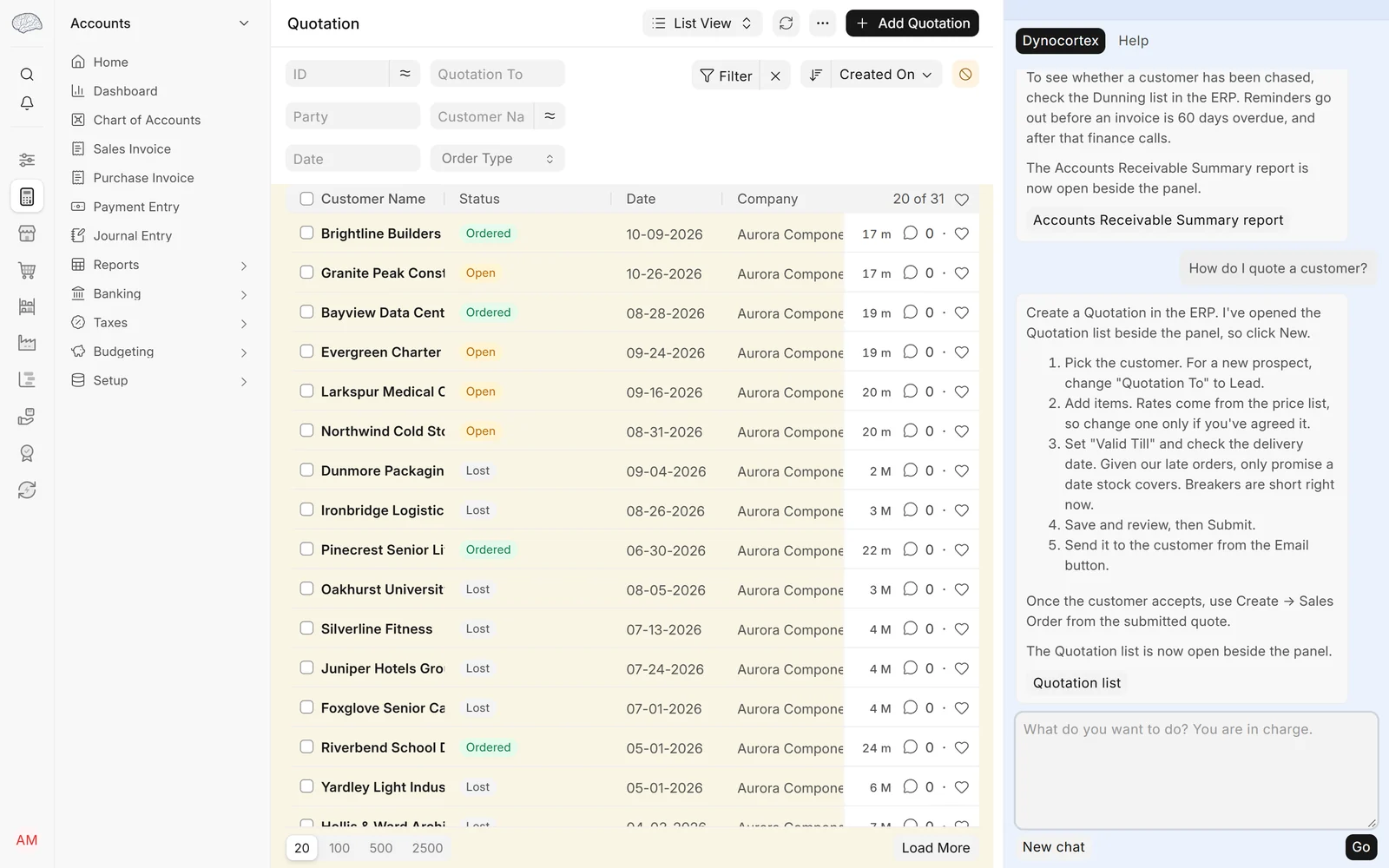


What a good answer contains
- For the first question, the Accounts Receivable report, opened beside the panel.
- For the second, the steps of a quotation, in the manual's own words.
- On your quotation: the item's price from the price list, any price rule that applies, and Aurora's terms of sale on the quotation.
What the full product does beyond the demo
The Executive prepares the quotation on an approval card from one sentence, priced from the price list, for the sales manager to approve.
Answers are worded afresh each time, so yours will read differently. The demo company is made up, and its data goes back to the start every night.